
UEA8 registration takes under 2 minutes — enter your details, verify your contact, select your welcome bonus, and you’re playing. This page covers every step from registration to first deposit, plus how to complete UEA8 login across devices, recover your account if needed, and pass KYC before your first withdrawal.
Returning player looking for the login? The UEA8 Login section is below. Having login trouble? Jump to Troubleshooting at the bottom of this page.
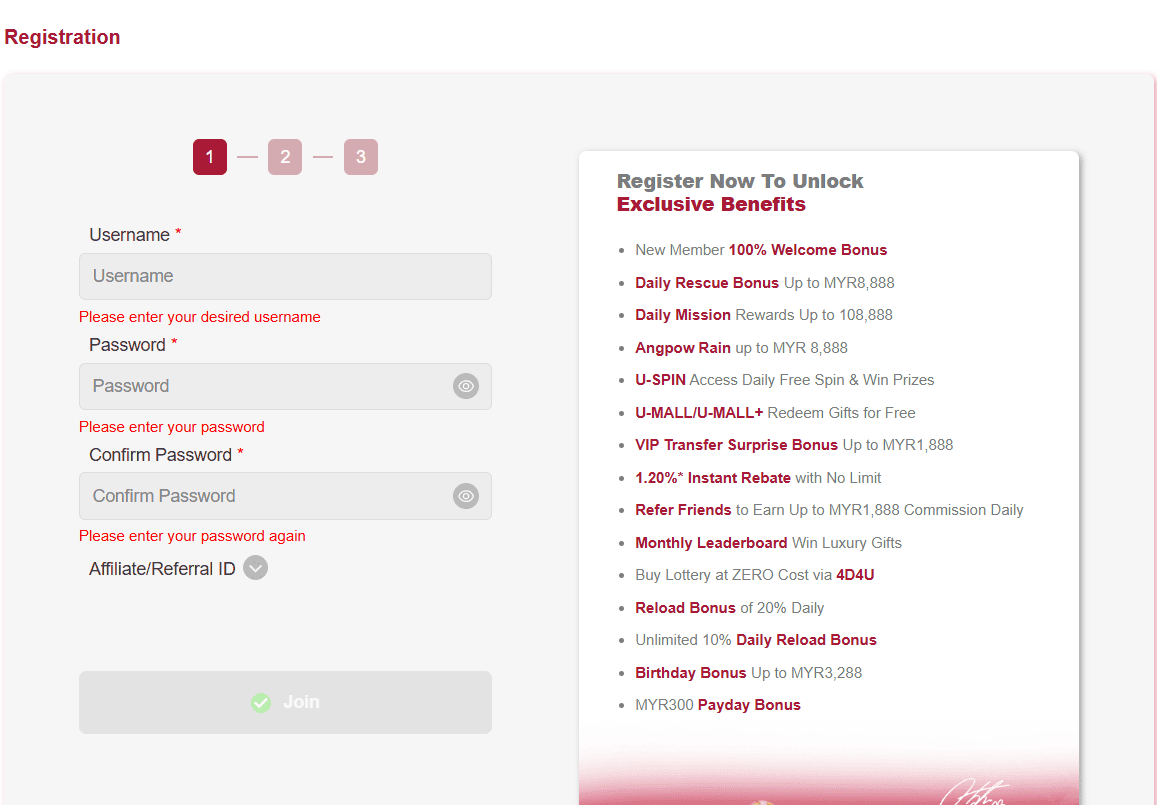
Go to uea-8.my and click Register in the top-right corner. On the UEA8 mobile app, tap Sign Up on the welcome screen. The form opens immediately.
UEA8 requires bonus selection before your first deposit — not after. On the final step of the registration form, choose your preferred welcome offer. The 100% match up to MYR 300 (x12 wagering on slots) is the recommended choice for most players. If you prefer to play without a bonus, select ‘No Bonus’.
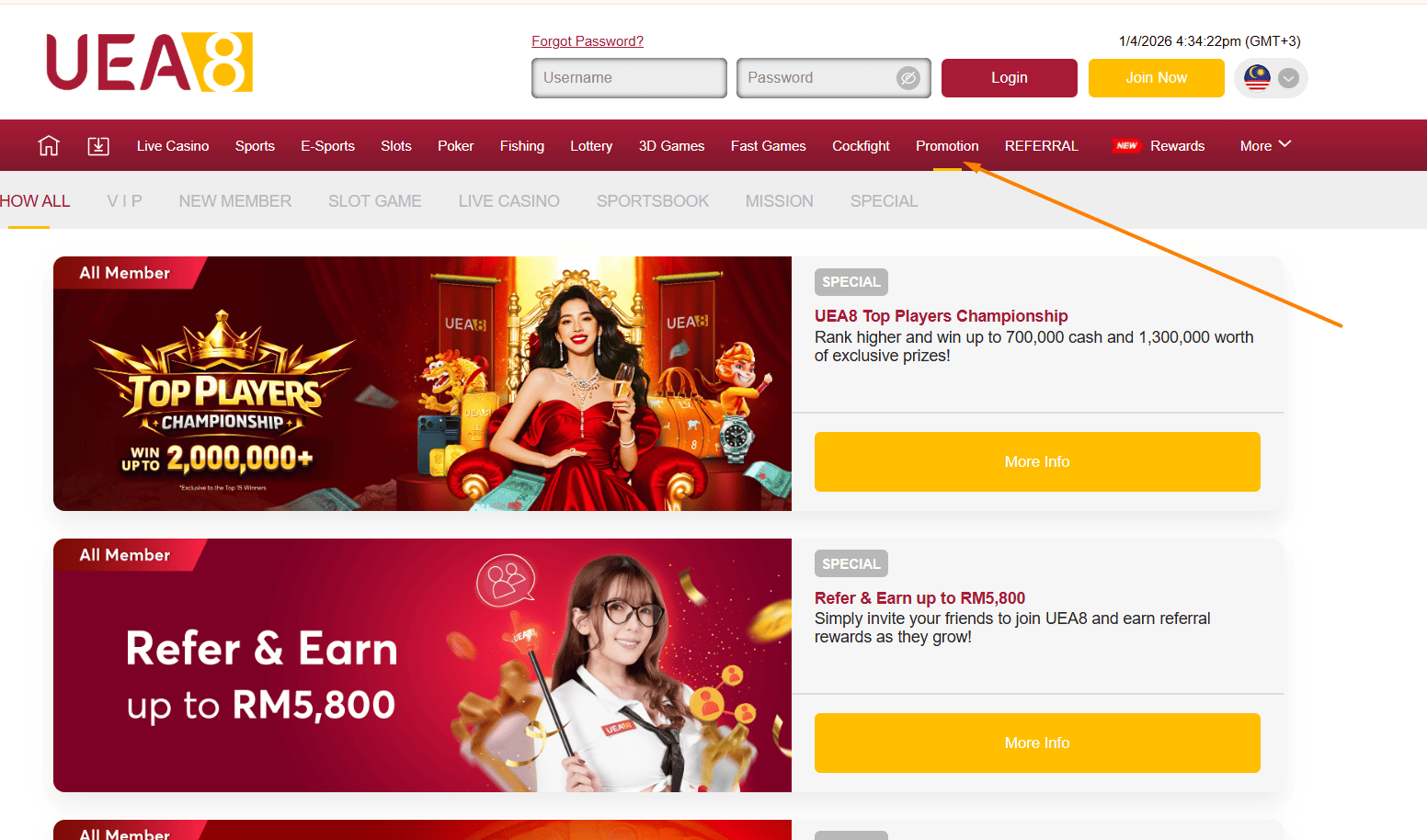
Most UEA8 bonus codes are found in the specific offer’s T&Cs on the Promotions page. Enter the code in the bonus code field before confirming registration.
UEA8 sends a 6-digit OTP to your registered phone number. Enter it within 3 minutes. Tap ‘Resend OTP’ if needed — a new code arrives within 60 seconds.
Your UEA8 account is live immediately after OTP verification. Make your first deposit to activate the welcome bonus. Minimum deposit MYR 30 for bonus eligibility.
Tip: set your deposit limit during registration — it takes 30 seconds and removes the temptation to overspend during early sessions. You can adjust limits later, but increasing requires a 24-hour delay.
Enable in Settings → Security → Biometric Login after first standard login. Supports fingerprint (Android) and Face ID (iOS). Subsequent logins require a single touch — no password typing.
Tick ‘Remember Me’ on the login screen to stay logged in for 7 days on trusted devices. Always untick on shared or public devices.
Lost access to both email and phone? Contact UEA8 live support with a copy of your ID. Recovery via support takes 1–2 business days.
UEA8 requires identity verification (KYC) before processing your first withdrawal. This is a requirement of UEA8’s PAGCOR gaming licence and standard AML practice consistent with FATF Recommendation 10.
Complete KYC immediately after registration — before you win. There’s no reason to delay verification over documentation that takes 5 minutes, and it removes friction at exactly the moment you want to withdraw.
UEA8 will never ask for your password via email, live chat, or phone. Report any such request to support immediately.
Verify Caps Lock is off — passwords are case-sensitive. If certain the password is correct, use ‘Forgot Password’ rather than guessing further.
Check signal strength. Carrier delays can cause 30–60 second delays. Tap Resend OTP after 2 minutes. If persistent, contact support via Live Chat.
Suspension may result from incomplete KYC, a flagged transaction, or a responsible gaming request. Contact UEA8 support for the specific reason and resolution steps.
Clear app cache (Settings → Apps → UEA8 → Clear Cache). If unresolved, reinstall the latest version from the UEA8 App page.
After registering: Claim your welcome bonus | Explore 2,500+ games | Download the UEA8 app.